 muyi
Group Chat With AI Characters on iPhone
Updated November 20, 2026
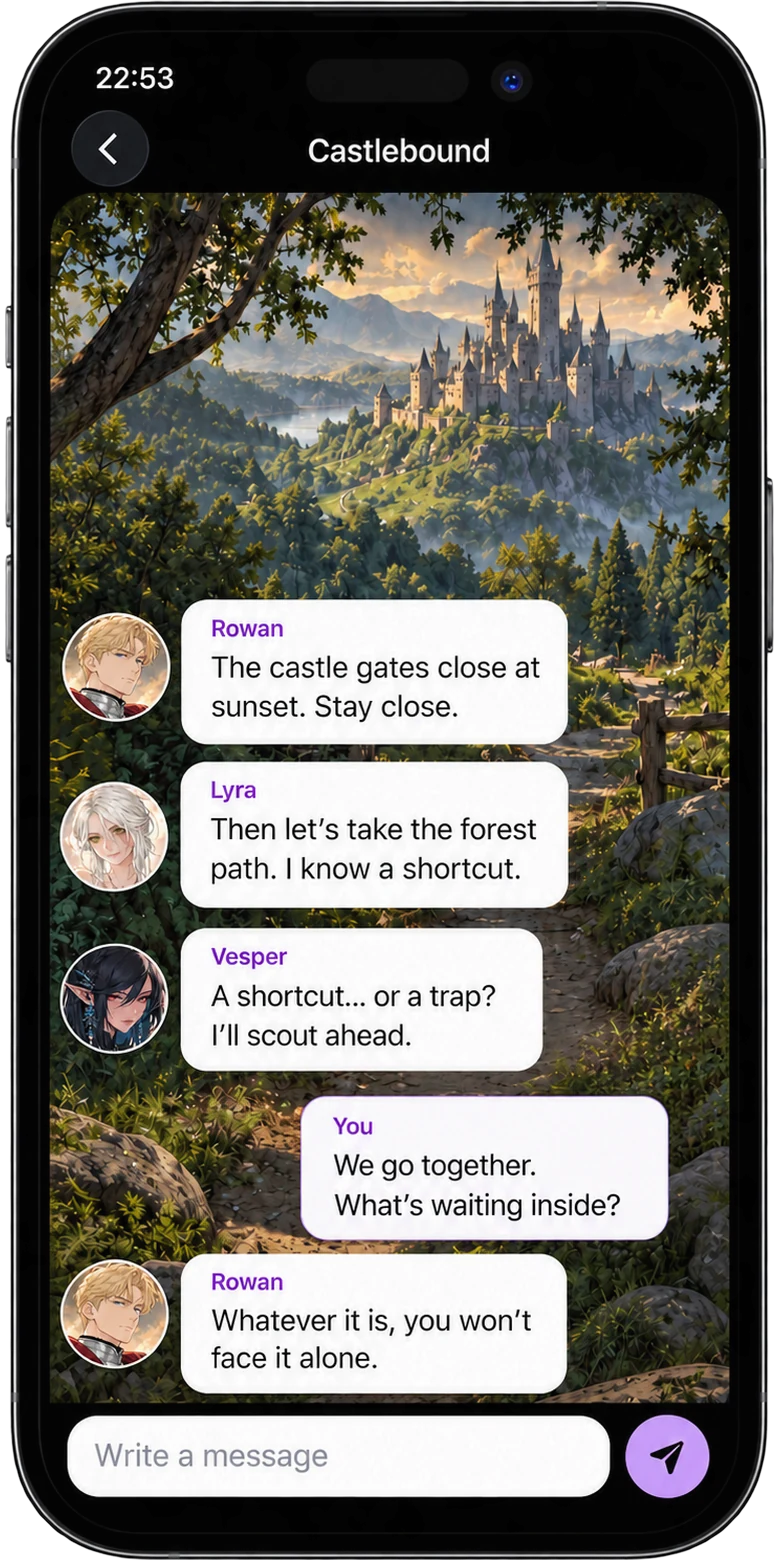
Some stories need more than one voice. In a Muyi group chat, several AI characters share the same conversation, and the story moves between all of them.
How to start a group chat
- Tap Create and choose Group Chat.
- Name your group.
- Search for characters and add them to the cast.
- Start the chat and write the first message.
Ideas for group scenes
- A castle quest with a knight, a wanderer, and a scout.
- A school drama with a rival, a best friend, and someone with a secret.
- A heist crew where every character has a skill and a reason to distrust the others.
- A dinner party where every guest wants something different.
Tips for better group stories
- Pick characters with different goals, so they have something to disagree about.
- Set the scene in your first message: where you are and what just happened.
- Address a character by name when you want a specific answer.
- Use a persona, so every character knows who you are.
Bring your own characters
Add characters you created to the group, next to the characters you discovered in Muyi.
Try Muyi on your iPhone
Free to download. Browse characters, start a story, and chat.

Scan to downloadPoint your iPhone camera at the code to open Muyi in the App Store.
Frequently asked questions
Can I chat with several AI characters at once?
Yes. A Muyi group chat puts several characters in the same conversation.
Can I add my own characters to a group chat?
Yes. Search for any character, including ones you created, and add them to the cast.
Do group chats cost more?
A group message costs more gems than a one-on-one message, because several characters can answer.
Is Muyi on Android?
Not yet. Muyi is on iPhone today, and you can join the Android waitlist on the home page.